
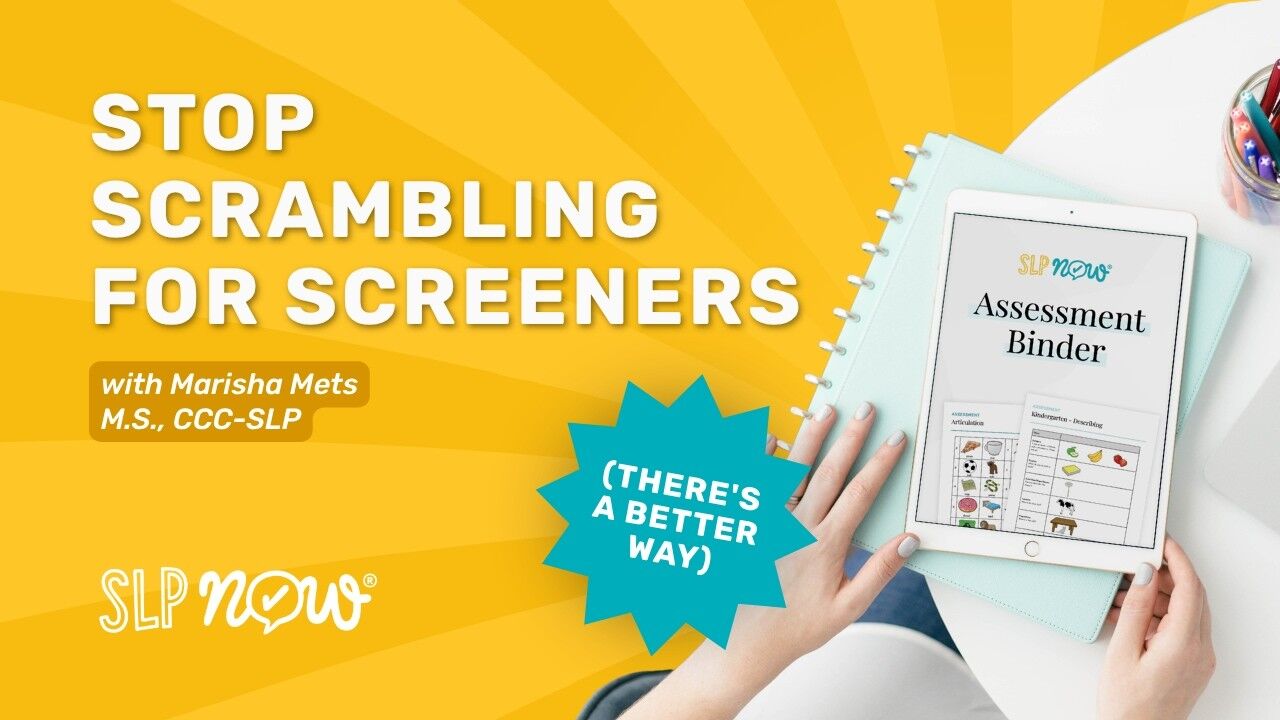
Are you tired of scrambling for speech therapy screeners before every evaluation? We’ve all been there—an eval is due, you’re digging through folders or physical binders, and valuable minutes are ticking by while you search for the right materials. The SLP Assessment Binder is your solution. It’s a 70-page digital resource that provides instant, no-print access to articulation, phonology, and grade-level language assessments directly on your iPad. Better yet, when paired with the SLP Now platform, it auto-generates your present levels and recommends goals, helping you work smarter, not harder.
The SLP Assessment Binder: Your No-Print Solution
There’s a very specific kind of stress that hits when you realize a re-eval was moved up and you don’t quite have what you need ready to go. You check Google Drive—nothing. You flip through a dusty physical binder hoping the right screener is in there somewhere. By the time you find it, you haven’t even seen the student yet.
We built The SLP Assessment Binder to eliminate exactly that kind of last-minute scramble. It’s intentionally organized to give you fast, easy access to exactly what you need:
- Articulation Assessments: Quickly collect baseline data across all major speech sounds.
- Phonology Assessments: Gain a structured, easy-to-read look at phonological patterns.
- Grade-Level Language Assessments: Target vocabulary, grammar, and narratives based on actual curriculum expectations for each grade.
The best part? Zero printing. Simply save the digital binder to your iPad’s home screen. When a student walks in, pull it up, show them the visuals on your screen, and get straight to assessing.
How It Works Inside SLP Now
While the binder is an incredible standalone tool, it becomes an absolute game-changer when you pair it with the built-in assessment tools inside the SLP Now platform. Here is what your new, streamlined workflow looks like:
- Create the Student: Add the student to your SLP Now caseload and navigate to their Assessment tab.
- Run the Screener: Use your iPad to show the student the binder visuals while you simultaneously score their accuracy directly inside the platform.
- Auto-Generate Present Levels: As you enter data, SLP Now automatically generates a narrative summary of the student’s strengths, emerging areas, and areas of need.
No more drafting from scratch or trying to remember exactly what happened in the session. You just copy and paste the summary straight into your present levels statement!
From Assessment Data to Goals in One Connected Workflow
When you’re managing a massive caseload, every single minute counts. The SLP Assessment Binder doesn’t just give you a screener—it seamlessly connects your data directly to your therapy goals.
After you complete an assessment, SLP Now provides goal recommendations based on the student’s performance. For instance, if a student scores 0% accuracy on /k/ and /g/, the platform flags those as potential goal areas. From there, you can open a specific baseline probe directly in the platform to gather a concrete data point. SLP Now then auto-fills the baseline data and helps you generate the IEP goal instantly.
What used to take four or five separate steps—collecting data, writing present levels, identifying goals, hunting for baseline numbers, and setting up the IEP—now flows as one connected process.
Who Is This For?
We designed this system with the overwhelmed, school-based SLP in mind:
- The SLP who has a brand-new student on the schedule and needs to run a screener fast.
- The SLP updating an IEP who wants present levels that actually reflect the curriculum standards.
- The SLP who is exhausted from recreating baseline documentation from scratch for every single evaluation.
You don’t need hours of setup or a complicated onboarding session to make this work. If you can save a PDF to your iPad, you are ready to go right now.
How to Get Access to Your Assessment Binder
Ready to stop scrambling? The SLP Assessment Binder is available as a special bonus inside the SLP Now membership.
Simply head to slpnow.com/pod and sign up for a free trial. Set up your first student, run through an assessment using the built-in tools, and send us a quick message inside the membership to let us know how it went. We will then send you the full 70-page binder to use for all your future assessments!
You should be spending your time helping students, not endlessly searching for screeners. Let’s make that a reality.
Transcript
Hello there and welcome back to the SLP Now podcast. I am excited to be kicking off a new mini series throughout the rest of the month. We are going to be sharing some of our favorite resources, and first up is our Assessment Binder. So this is an incredible way for SLPs who are feeling overwhelmed and who don't quite have time to learn a new tool and who just need quick instant access to some good resources.
This is for the SLPs who have a new student, an evaluation is coming up, a re-eval is due tomorrow,and you're digging through your folders trying to find a good screener. And this type of scrambling is what this Assessment Binder is meant to eliminate.
So what this is is a 70 page digital resource that you can save straight to your iPad. And I love keeping these on my home screen. I'll do a quick little, tutorial on my Instagram about how to actually save a PDF to your home screen so that it's so, so easy to access. but this binder includes resources.
and if you're watching on YouTube or. Spotify, we'll upload the video there. You can kind of see what this looks like. But we have assessments for articulation and phonology as well as grade level assessments.
We have the articulation assessment and it'll help you go through the different speech sounds and get that baseline data. The same for Phonology. And then we have the grade level assessments and they will vary based on the grade level curriculum expectations.
We'll have assessments for different sub areas, so you can choose kinda what makes the most sense for you. So you have describing and grammar and narratives. We go into more advanced vocabulary. This is just a little preview of what that looks like.
This is a great way to get some baseline data, in terms of the curriculum based standards.
By using this assessment, you don't have to do any printing. You would just access the binder, show this to your students, and, inside SLP Now we have the assessments built in there. Let's say I have a screener coming up. I add Harry Potter and then I click into his profile.
I can go to the Assessment tab and click Collect New Assessment and we can do our articulation assessment or we can go into any of the grade level assessments as well. I have the visuals on my iPad, but then I can score his accuracy here. So I am automatically getting this data and I can make notes or make corrections, and do whatever I need to do.
Once I enter this data, I can view the recommendations. This is based on how the student responds. This will help you with generating goals, and it also makes a summary of the assessment so you can literally paste this into your present levels.
On a recent curriculum based measure, Harry Potter demonstrated the following strengths. And it'll list the skills that the student demonstrated strengths in. And it'll list emerging strengths too. And then it'll list the needs.
If you view the recommendations after that assessment, it will also give you access to baseline assessments. So if you complete your articulation assessment and the student scores, 0% accuracy on K and G, that might be a worthwhile goal. And we want to get a baseline.
So I might open up the probe for /k/ in word position and get a little bit more data to show me how the student is doing. So let's say, they're getting 0% accuracy, then I can hit Done, and I can create that as a goal and it'll automatically fill in all of that baseline data for me. And then I can repeat that with all of the goals that are being recommended.
So this is a really cool way to streamline your assessments. Whether you're updating an IEP or doing an eval or a reval, this is a good way to populate a really strong present levels statement that's pulling in curriculum-based assessments to Outline how students are doing. It can also help you with that goal creation process and just having access to the binder without having to dig for visuals or assessments.
Just having everything right at your fingertips. The students have access to the visuals that they need. It makes this process really easy and seamless. It makes your job a whole lot easier. So this binder is available as a bonus in SLP Now.
If you go to SLP now.com/pod, you can sign up for a free trial. If you create a student and start that assessment process, you can download the visuals for a specific assessment. But having the binder definitely makes it easier, so go set up your first student, administer that assessment, and then send us a message in the membership. Let us know how your first assessment went, and then we'd love to send you the full binder to use for all of your future assessments. That's a wrap on today's episode, and I'm excited to continue the series throughout the month.
Sign up to receive email updates
Enter your name and email address below and I'll send you periodic updates about the podcast.
FAQ
What is The SLP Assessment Binder?
The SLP Assessment Binder is a 70-page digital resource that provides immediate, no-print access to articulation, phonology, and grade-level language screeners right on your iPad or device.
How does The SLP Assessment Binder help write present levels?
When paired with the built-in assessment tools inside the SLP Now platform, the binder automatically generates a narrative summary of the student's strengths, emerging skills, and areas of need, which you can copy and paste directly into your present levels statement.
Can I create speech therapy goals using The SLP Assessment Binder?
Yes! As you input baseline data during the assessment, the SLP Now platform identifies potential goal areas and provides goal recommendations based on the student's performance, eliminating the need to write them from scratch.


