
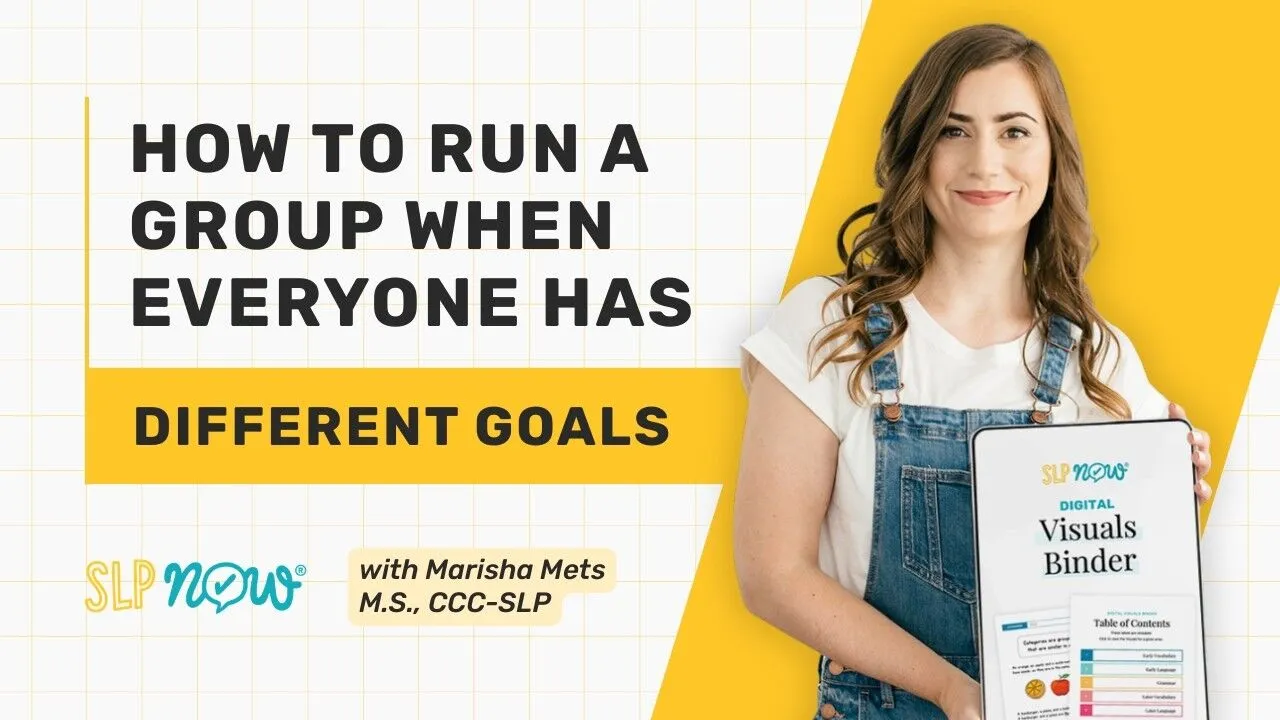
Let’s be real—running a mixed speech therapy group where every single student is working on a completely different goal can feel incredibly overwhelming. If you feel like you are doing mental gymnastics just to keep the session afloat, you are not alone! The most effective way to manage this without spending hours on extra prep is by shifting the heavy lifting. By providing each student with a dedicated, targeted visual support that matches their specific goal, you can encourage student independence, reduce wait time, and keep your session flowing beautifully.
The SLP Now Visuals Binder covers preschool through 12th grade with 95 pages of evidence-based visuals across early language, grammar, vocabulary, and later language skills. No prep required. Just open it and use it.
Not a member yet? When you upgrade to a monthly or yearly membership within 7 days of starting your trial, we’ll send you the full bundle.
Start your free trial: slpnow.com/pod
If you’ve ever sat down to plan a session for a group of four students with four completely different goals and thought, “I have no idea how I’m going to make this work,” you are not alone.
Mixed groups are the norm in school-based practice. You might have one student working on following directions, one on past tense verbs, one on WH questions, and one on inferencing. And somehow you’re supposed to run a session that serves all of them, at the same time, without losing your mind.
For a long time, I was doing a lot of mental gymnastics to make that work. Flipping between materials, trying to remember what each student was targeting, losing the thread of the session because I was too busy managing logistics. It wasn’t good for my students and it definitely wasn’t good for me.
So I started building something different.
Why Visuals Change Everything in a Group Session
The core problem in a mixed group isn’t the goals themselves. It’s the cognitive load of trying to hold all of them in your head at once. When you’re tracking five different students, five different targets, and trying to deliver quality therapy at the same time, something always slips.
Visuals solve this in a surprisingly simple way. When each student has the visual for their skill in front of them, you stop being the only person holding the session together. The student can reference it independently. They can cue themselves. They don’t have to wait for you to redirect them. The visual does that work.
I’ve been using the same laminated visuals for ten years. Some of them I’ve updated, but many are exactly as I made them because they work. Once you find the right visual for a skill, it becomes a tool you reach for every time. Zero thinking required.
What’s Inside the Visuals Binder
The SLP Now Visuals Binder is 95 pages of ready-to-use visuals that covers your preschool through 12th grade caseload. No prep. You open it, you use it.
It’s organized into four main sections: early vocabulary and early language, grammar, and later vocabulary and later language. Within each section, you’ll find individual skill sets. Basic concepts, categories, following directions, narratives, WH questions, past tense verbs, plural nouns, pronouns, compound and complex sentences, affixes, context clues, idioms, multiple meaning words, inferences, main idea, summarizing, and more.
The binder has interactive links, so you click on a skill and it jumps directly to the visuals for that skill. That alone saves a lot of time when you’re looking for something specific mid-session.
How to Start Using It (Even If You’re Mid-Year)
The most common barrier to setting up a new system is the setup itself. You know you need better materials, but the idea of printing, laminating, and organizing 95 pages of visuals when you’re already behind feels impossible.
The digital binder handles that. Save it to your iPad. Pull it up when you need it. You can test different visuals, see what resonates with your students, and start getting the benefits of evidence-based visual supports right away. No need to wait for a perfect setup day that may never come.
Once you find a visual that works for a specific student, that’s your cue to print it. Log into SLP Now, go to the Materials Library, search for the skill, and download. Laminate it if you can. That one visual will probably serve you for years.
The Place Mat Strategy
My favorite way to use printed visuals in a group session is what I think of as a place mat setup. Each student gets the visual for their specific goal placed in front of them, like a place mat, before the session starts.
If Elliot is working on categories and Nelson is working on past tense verbs, each one has their visual in front of them. They know what they’re working on. They can self-cue. They’re not waiting on me to redirect them. It’s less mental gymnastics for me because I’m not flipping between pages. Each student’s reference point is already there.
It also opens up opportunities for generalization. If a visual is really working for a student, they can bring it back to the classroom. You can create a mini version. The skill stops living only in your session and starts connecting to the wider day.
The Research Behind the Visual
I didn’t put this binder together because it seemed like a good idea. I built it because I was managing a triple-digit caseload and I needed it to work. That meant going through the research and pulling out evidence-backed strategies that I could infuse directly into the visual design.
The result is that when you use these visuals, you’re not just showing a student a picture. You’re delivering therapy that’s grounded in how language learning actually works. The evidence is in the design. You don’t have to understand every study behind it to use it well.
Inside SLP Now, there are also courses and strategy resources for every goal area if you want to go deeper. But the visuals get you a long way there with very little effort.
Getting Access
If you’re not yet a member, the binder is included as a special bonus if you sign up for a membership within 7 days of starting your trial.
Ready to see how it works for your caseload? Start your free trial at https://slpnow.com/pod.
Transcript
Welcome back to the SLP Now podcast. The last two episodes we talked about streamlining your present levels for IEPs and evaluations. And then we talked about taking consistent data and having high student goal awareness and solid data for progress monitoring. And today we're talking about how to actually teach those skills.
So many of us have mixed groups. We have multiple students in a group. They all have different goals, and more often than not, there's zero overlap. We need to have tools to help our students know what they're working on. Also to have some built in queuing and just to help keep the session moving, especially if we have those mixed groups, multiple students, multiple goals, a lot of moving pieces.
So the Visuals Binder is a tool that is meant to make that process a little bit easier. The binder includes 95 pages of ready to use visuals and it'll cover your preschool through 12th grade caseload, zero prep. You just open it and you use it.
We have early vocabulary and early language, grammar, as well as later vocabulary and later language. For each section we have different skills, for example, basic concepts, and we have a lot of different resources there. And then we have categories, following directions, narratives, wh questions, a variety of different skills.
It moves through grammar, like past tense verbs, plural, nouns, pronouns, compound sentences, complex sentences, affixes, context clues, idioms, multiple meaning words, inferences, main ideas, summarizing, all of these great skills. There's interactive links so you click on the skill, and it'll jump to the visuals. You have a lot of things that you can test and try out. I personally really love having printed visuals, but if you are in the middle of the school year or you're just trying to get through, it can be challenging to get all of this set up, which is what the binder is meant to help you with.
You can, again, just save this on your iPad, have easy access to it. And then you can test out different visuals and see what works best for your students. And you might already have visuals that work really well, and you can just use this to fill in the holes. If you find a visual that you really like, you can print that out.
Log into SLP Now, go to the materials library, search for the skill, download that visual, and print it. I love laminating my visuals because I use them over and over and over. I've been using the same visuals for 10 years. I've made some additions and improvements, but some of them are just tried and true.
I created these visuals because I was managing a triple digits caseload. Honestly I was failing in the beginning, but I was determined to serve these students, because they deserve for me to be operating at the top of my license and giving them really high quality therapy.
So I dug through the research. I pulled out a bunch of evidence backed strategies, and I used these to inform how I put these visuals together. Inside of SLP Now, we also have strategies for every goal. We have courses to walk you through all of these evidence backed strategies that you can implement.
But these visuals get you a lot of the way there without a lot of effort. You just use the visuals and the evidence is infused in them. And of course, we are our best therapy tool and knowing the strategies and the evidence behind things makes it a lot easier. But this is surely a great way to get started.
You can use the digital binder to access the visuals that you need in a pinch. It is a great way to test out new visuals, see what works, and just get some quick, easy evidence-based strategies into your session right away.
Like I said, once you know what a student needs, I love using the visuals as a place mat, so then I know what each student is working on. And it's less mental gymnastics for me because flipping between a bunch of different pages does get a little confusing. So I do highly recommend printing them eventually.
If, Elliot is working on categories and Nelson is working on past tense verbs, each of the students has the visual for that skill in front of them. It's amazing because they can cue themselves independently. They don't have to rely on me as much. If it's helpful, they can bring the visual into the classroom, or we can make a mini version to help with generalization.
It makes things so much easier. That is our visuals binder and a quick overview of how you can use it and what's included.
If you want access to all of the binders in one nice little bundle, you can access that. If you are not yet a member, all you need to do is sign up for SLP Now.When you upgrade, we can send you that full bundle. So that is a wrap on this little series.
Sign up to receive email updates
Enter your name and email address below and I'll send you periodic updates about the podcast.
FAQ
How do I manage a speech therapy group with no overlapping goals?
Answer: Use individual visual supports for each student. This allows each student to work on their specific target—such as past tense verbs or inferencing—while remaining engaged in a single group activity, significantly reducing the SLP's cognitive load.
What is the SLP Now Visuals Binder?
The Visuals Binder is a 95-page, zero-prep collection of evidence-based visual supports for preschool through 12th grade. It covers everything from early vocabulary to complex grammar and later language skills.
How can I reduce prep time for mixed speech groups?
Answer: Transition from activity-based prep to visual-based prep. By relying on a core set of laminated visuals that students can self-reference, you eliminate the need to print new worksheets or plan separate activities for every single session.)


